
Is Nuxt Good for SEO? A Practical Nuxt SEO Guide
Nuxt JS for SEO: what works out of the box, how to add a Nuxt sitemap, robots and OG images, and the mistakes that still hold Nuxt sites back.
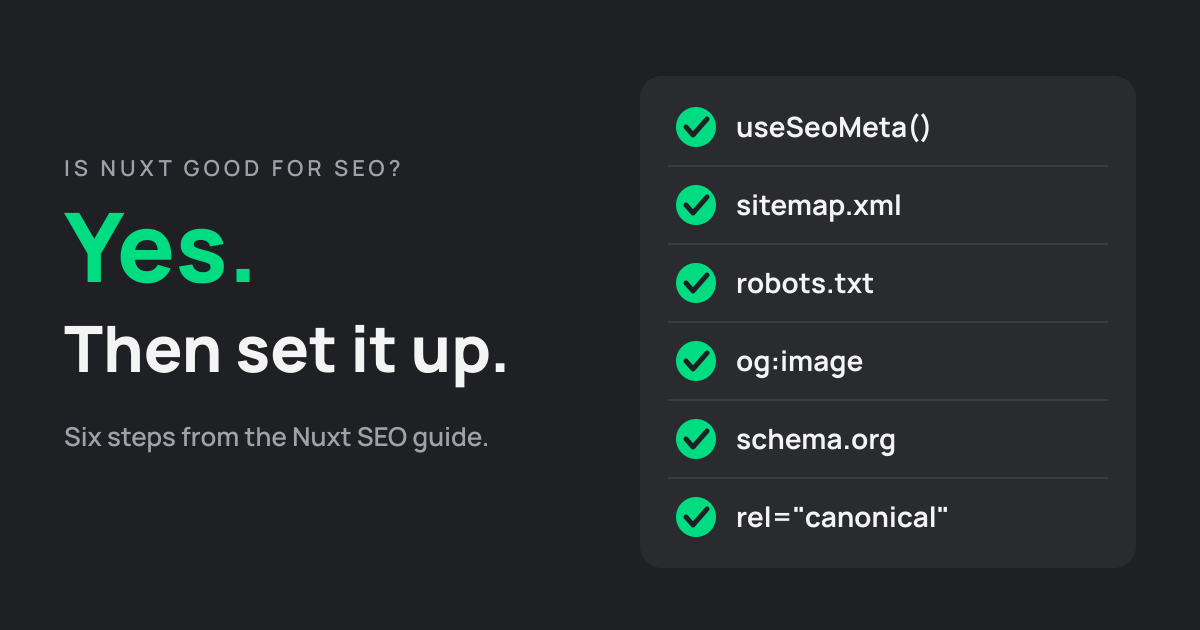
Is Nuxt JS good for SEO? Yes, and most of what makes it good is on by default. This Nuxt SEO guide covers what you get out of the box, how to add a sitemap, robots rules, OG images and structured data, and the mistakes that still keep Nuxt sites from ranking. The examples come from the same setup this site runs on.
Is Nuxt JS Good for SEO?
Yes. Nuxt renders every page to HTML on the server or at build time, so search engines and AI crawlers get the full content in the first response. It also ships composables for titles and meta tags, and the free Nuxt SEO modules add a sitemap, robots rules and structured data in a few lines of config.
That's the short answer to "is Nuxt JS good for SEO". The longer one: Nuxt removes the biggest SEO problem of a plain Vue single-page app, the empty HTML shell. It won't rescue thin content or a sloppy setup, though. Meta tags, canonical URLs and page speed are still on you.
If you're new to the framework, What is Nuxt covers the basics. For how each rendering mode works, see our guide to Nuxt rendering.
What Makes Nuxt JS Good for SEO
Three things make Nuxt JS good for SEO without extra work: HTML that exists before JavaScript runs, a safe way to set meta tags, and a fast first load.
Server-Side Rendering and Prerendering
By default Nuxt renders pages on the server. With nuxt generate it prerenders them at build time instead, starting from / and following every link it finds. Either way, the crawler receives finished HTML.
Google does run JavaScript. Its own documentation says it renders pages with an evergreen version of Chromium, but in a separate phase, once its resources allow. It also says server-side rendering or prerendering is "still a great idea", because not all bots can run JavaScript. Nuxt gives you that by default.
Built-In Meta Tag Handling
Nuxt has useSeoMeta and useHead built in. The Nuxt docs call useSeoMeta the recommended way to add meta tags because it's XSS safe and fully typed. Each page sets its own title, description and Open Graph tags, and they're in the HTML from the first byte, not added later by JavaScript.
Speed and Core Web Vitals
Server-rendered HTML paints sooner than a page that waits for a JavaScript bundle, which helps Largest Contentful Paint. Nuxt also splits code per route and ships modules for images and fonts.
Core Web Vitals still depend on your code. Heavy components, unoptimized images and late-loading fonts slow any framework down. Our guides to Vue.js performance optimization and how to fix CLS cover the common fixes.
How to Set Up Nuxt JS for SEO
Here's how to set up Nuxt JS for SEO on a new or existing project, in the order we'd do it.
Set Titles and Meta Tags
Set the title and description on every page with useSeoMeta. When the values come from fetched data, pass getters, as the Nuxt docs recommend for reactive values:
<script setup lang="ts">
const route = useRoute()
const { data: post } = await useFetch(`/api/posts/${route.params.slug}`)

useSeoMeta({
  title: () => post.value?.title,
  ogTitle: () => post.value?.title,
  description: () => post.value?.excerpt,
})
</script>
If you're still using useServerSeoMeta, note that the Nuxt docs now mark it deprecated. Wrap useSeoMeta in an if (import.meta.server) block instead.
Install the Nuxt SEO Module
"Nuxt SEO" means two things. It's the topic of this guide, and it's also the name of a module set, @nuxtjs/seo, maintained by Harlan Wilton. One install adds nine modules, including sitemap, robots, OG images, schema.org, canonical URLs and a link checker. Each one can also be installed on its own.
npx nuxt module add @nuxtjs/seo
Then tell it where the site lives. Every module reads this site config for canonical links, sitemap URLs and absolute image paths:
// nuxt.config.ts
export default defineNuxtConfig({
  modules: ['@nuxtjs/seo'],
  site: {
    url: 'https://example.com',
    name: 'Example',
  },
})
Add a Nuxt Sitemap
With the module installed, a Nuxt sitemap is built from your pages, prerendered routes and Nuxt Content collections. Exclude what shouldn't be indexed. For URLs that only exist in an API or CMS, add a source endpoint:
// nuxt.config.ts
sitemap: {
  exclude: ['/admin/**'],
  sources: ['/api/__sitemap__/urls'],
}
// server/api/__sitemap__/urls.ts
import { defineSitemapEventHandler } from '#sitemap/server'

export default defineSitemapEventHandler(async () => {
  const posts = await $fetch<{ slug: string, updated: string }[]>('https://api.example.com/posts')
  return posts.map(p => ({ loc: `/blog/${p.slug}`, lastmod: p.updated }))
})
Configure Nuxt Robots
Nuxt robots rules go in the config, and the module writes robots.txt and the robots meta tag from them:
// nuxt.config.ts
robots: {
  disallow: ['/admin'],
}
The useful part is environments. Staging and preview deploys shouldn't be indexed. Set NUXT_SITE_ENV=staging and the module turns indexing off for that deploy, so only production is indexable.
Generate a Nuxt OG Image
A Nuxt OG image is the preview picture shown when a page is shared on social networks or in chat apps. The nuxt-og-image module renders it from a Vue component, so every page can get its own image with its title on it. Put the template in app/components/OgImage/BlogPost.takumi.vue (the suffix picks the Takumi renderer) and call it from the page:
defineOgImage('BlogPost.takumi', { title: post.value?.title })
It works with prerendered sites too, as long as site.url is set so the image URL is absolute. You don't have to use it: this blog turns the module off and ships a hand-designed card per post, set as the ogImage in useSeoMeta.
Add Structured Data and Canonical URLs
The schema.org module adds WebSite and WebPage data from your site config automatically. Add an identity once, then describe each page type:
// nuxt.config.ts
schemaOrg: {
  identity: { type: 'Organization', name: 'Example', url: 'https://example.com', logo: '/logo.png' },
}
// in a blog post page
useSchemaOrg([
  defineArticle({ headline: 'Is Nuxt Good for SEO?', datePublished: '2026-11-16' }),
])
Nuxt SEO also sets a canonical URL on every page from the site URL and the route path. Override it with useHead when a page has a preferred address elsewhere. Structured data matters for AI answers as well; our guide to SEO for AI agents in Vue and Nuxt goes deeper.
Common Nuxt SEO Mistakes
Most Nuxt SEO problems we see come from four mistakes, and none of them is exotic.
The first is SPA mode on public pages. With ssr: false the server sends an empty shell, and the Nuxt docs say plainly that you "will lose many SEO benefits". SPA mode is fine for a dashboard behind a login. It's the wrong default for a marketing site.
The second is content wrapped in <ClientOnly>. Its default slot is removed from the server build, so crawlers never see what's inside. Wrap the map widget, not the product description.
Third, hydration errors. When the server and the browser render different markup, the Nuxt docs warn that search engines may index content users don't see. Treat every hydration warning in the console as a bug.
Last, duplicate URLs. The same page at /about and /about/, or with tracking parameters, splits ranking signals. Pick one trailing-slash style in site.trailingSlash and let the canonical tag point to it. On static hosts, put 301 redirects in the host's config: under nuxt generate, Nitro redirect rules become client-side redirects, which we learned on this very site.
If your Nuxt site is indexed but still slow, our Vue and Nuxt performance optimization services can help.
Nuxt vs Vue and Next.js for SEO
Compared with plain Vue, Nuxt starts ahead. A Vue app built with Vite renders in the browser, so you'd add server rendering or prerendering yourself. Nuxt does it by default. Our Nuxt vs Vue post explains how the two relate.
Compared with Next.js, it's a tie. Both render on the server or at build time, both have solid meta and structured-data tools, and Google treats the HTML the same way. Pick by whether your team writes Vue or React. Our Vue JS vs Next JS comparison and the Nuxt vs Next.js guide cover the rest.
Conclusion
Nuxt serves full HTML by default, which already puts it ahead of most JavaScript setups. The rest is a short list: meta tags on every page, the Nuxt SEO modules for the sitemap, robots, structured data and canonical URLs, and none of the four mistakes above.
As an official Nuxt partner, we build and audit Nuxt sites with SEO in mind. Our Nuxt development services cover the full setup.
FAQs
Do I need SSR for Nuxt SEO?
You need the HTML to exist before JavaScript runs, and server-side rendering is one way to get it. Prerendering with nuxt generate is the other, and for content that doesn't change per request it's often the simpler choice. What hurts SEO is client-side rendering on public pages.
Can a Nuxt SPA rank on Google?
It can, because Google renders JavaScript with an evergreen Chromium. But rendering happens in a later phase when Google's resources allow, and not all bots run JavaScript at all. For pages that need to rank, server rendering or prerendering is the safer choice.
Does Nuxt generate a sitemap automatically?
Not on its own. Nuxt core doesn't create sitemap.xml or robots.txt. Add the @nuxtjs/sitemap module, alone or as part of Nuxt SEO, and it builds the sitemap from your pages, prerendered routes and Nuxt Content collections.
Is the Nuxt SEO module free?
Yes. @nuxtjs/seo and every module in it are open source under the MIT license. Nuxt SEO Pro is a separate paid service that monitors a live site; you don't need it to use the modules.
Is Nuxt or Next.js better for SEO?
Neither has an SEO edge on its own: both render HTML on the server or at build time, and both have first-class tools for meta tags and structured data. Choose by your team's framework, Vue or React, and get the setup right.
Is Nuxt good for AI search?
Yes, for the same reason it's good for Google. AI crawlers read the HTML, and not all bots run JavaScript, so server-rendered or prerendered pages are the safe way to make sure they see the content. Clear structure and schema.org data help them understand the page.
Vue.js is our passion. Open Source is our culture 😍